Installation
This guide assumes your system has the latest updates before going ahead with the installation on a Arch Linux based system.
- Launch Linutil Project with the command:
curl -fsSL https://linutil.github.io/install | bash
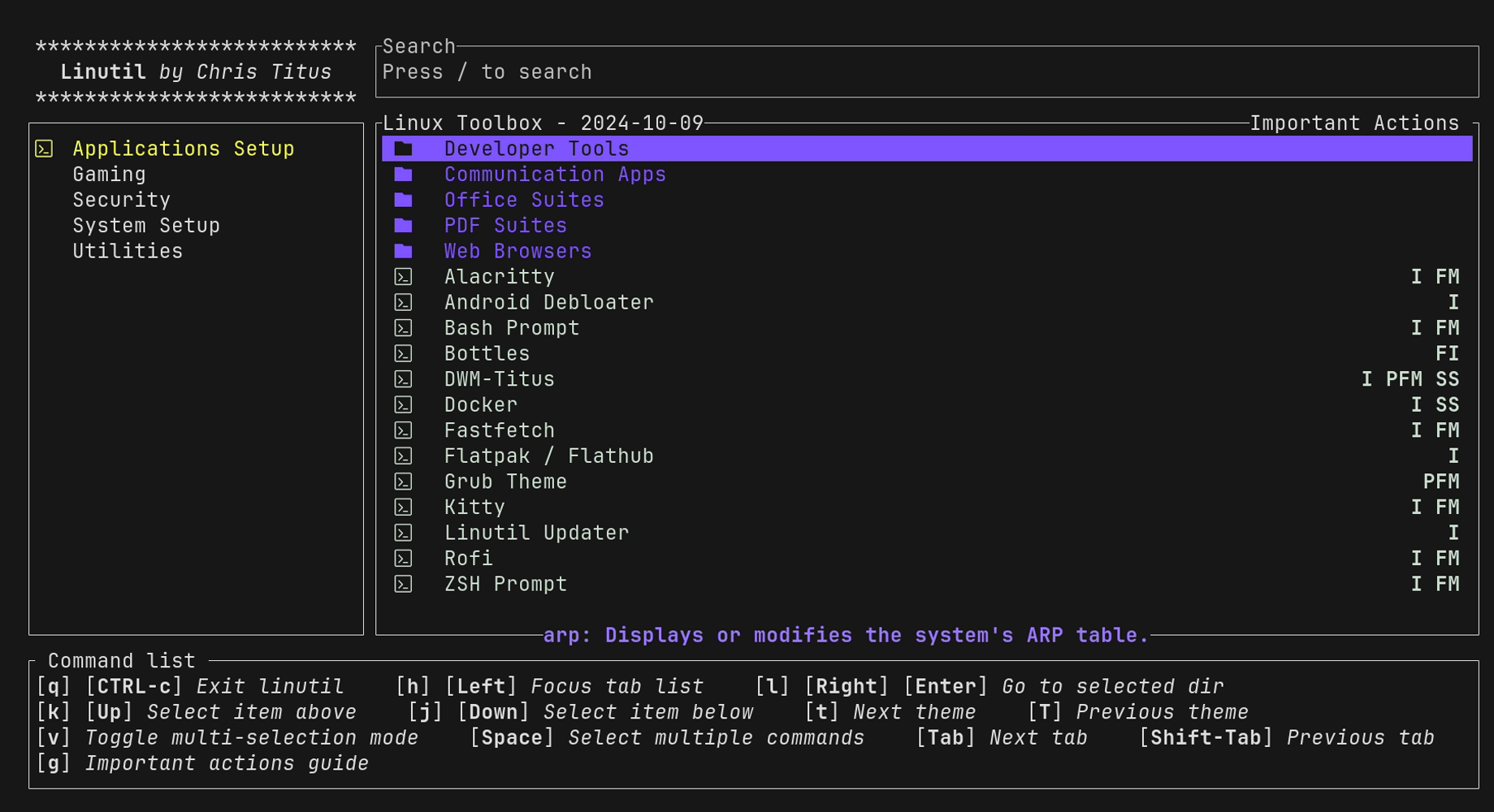
- Enable Multi-Selection with key
vand selectdwm,rofi,bash prompt, andghosttyfrom the list. Note: You can also select other packages as per your requirement. - Press
Enterto start the installation. Follow the on-screen instructions to complete the installation.
[!TIP]
- By default new terminals are opened by using the keyboard shortcut of SUPER + X while rofi is started using SUPER+R
- Check
config.hfor the keybindings, and change them according to your preference.
Getting Started with DWM-Titus
Learn the hotkeys for navigation.
Super = Windows key
Super + / = Keybinds hotkey to learn all keys